What the patrol watches
- Perimeter and yard coverage beyond a fixed pole
- People, vehicles and equipment in the frame
- Thermal review of plant and stockyard areas

Surveillance & Monitoring
Atrobot's surveillance platform turns CCTV, drone and industrial camera feeds into a monitoring view the control room can act on.
It is built for sites that already have cameras and for routes a drone can patrol. The public page describes the two tracks below. It is not a catalogue of aircraft.
Step by step
Illustrative sequence. Figures inside each clip are sample interface text, not a measured result.
01
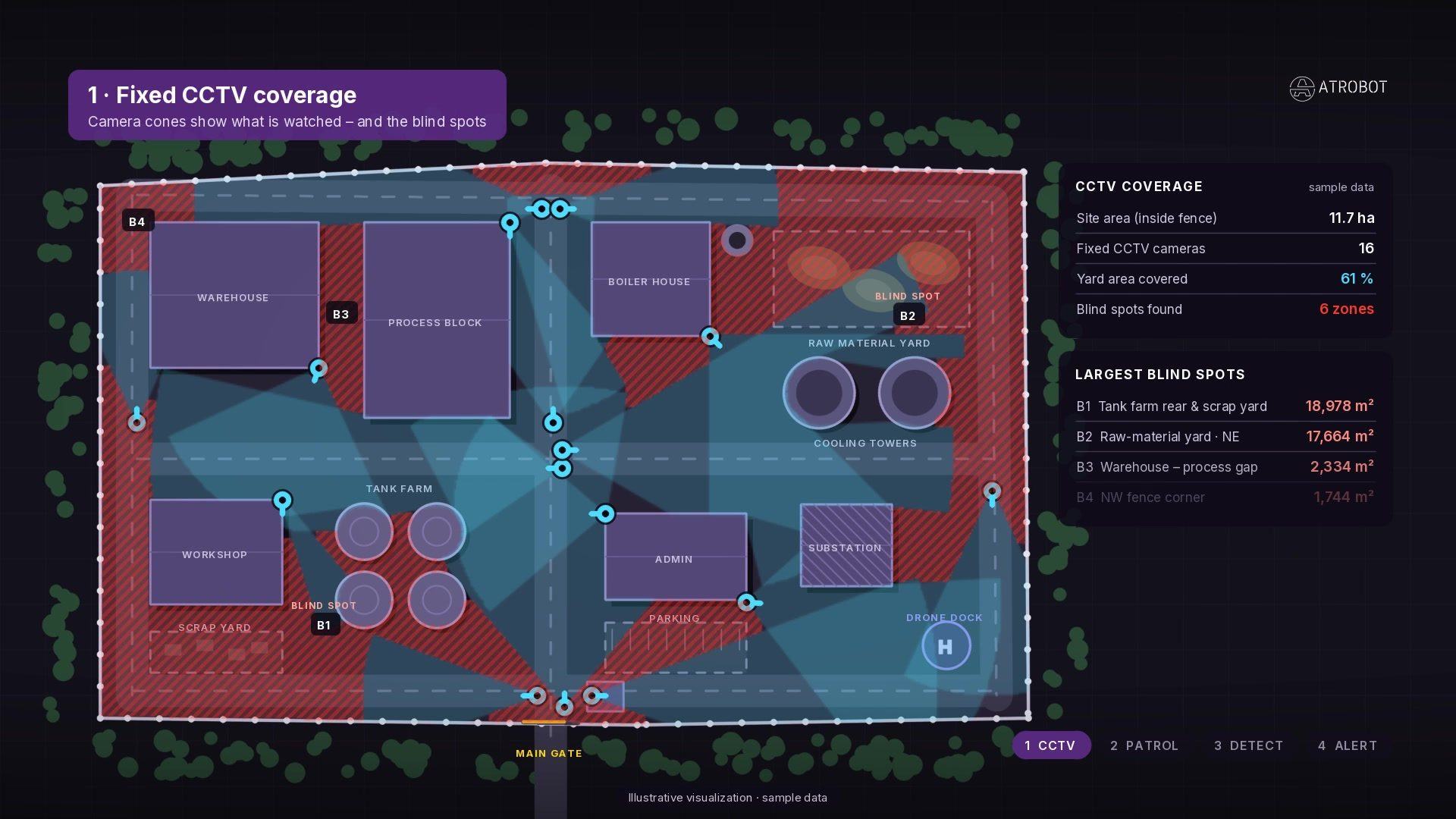
Camera cones show what is watched — and the blind spots across an industrial plant layout. Coverage percentages and zone areas on screen are sample interface text.
02
An automated route sweeps every major blind spot the fixed CCTV cannot see. Patrol altitude, loop length and coverage figures shown are sample interface text.
03
Map pin, snapshot and incident log reach the control room in seconds after a fence-breach style event. Incident log rows are sample interface text.
AI Surveillance & Perimeter Security Matrix
How Atrobot’s Surveillance & Monitoring platform turns fixed CCTV, thermal sensors and autonomous drone patrols into verified security actions.
Continuous RTSP/ONVIF ingestion from perimeter CCTV, industrial PTZ cameras and scheduled autonomous RGB/thermal drone flights.
Edge and cloud computer-vision models track personnel, vehicles, perimeter breaches, fire/smoke and safety-gear compliance.
Security operators monitor all perimeter zones, hazardous bays and remote corridors from a single synchronized wall.
Custom virtual tripwires, restricted-zone polygons and equipment temperature thresholds evaluate every video frame.
Correlates multi-camera angles and drone coordinates to suppress weather/wildlife noise and pin exact incident locations on the 2D/3D map.
Dispatches verified incident snapshots, live coordinates and audio/visual alarms directly to security response teams.
Every detection event, operator acknowledgement and patrol route is logged with encrypted video evidence in cloud storage.
Aggregates intrusion attempts, PPE violations and patrol coverage into shift summaries and HSE compliance dashboards.
Reduces guard fatigue, enforces industrial safety standards and maintains a complete forensic record across facilities.
How a feed becomes a record
Drone patrol and fixed cameras are reviewed on one platform. Detection on a feed can raise an alert for the control room, and the clip stays with the incident record. The diagram is the path from the camera to that record.
Designed for mining sites, industrial plants, ports, railways and utilities. The same platform can sit with a command view and a GIS layer of the site.
Track A
A drone patrol covers ground that a fixed camera does not face: roofs, yards, and the far side of a structure. Optical and thermal views can be reviewed on the same task.
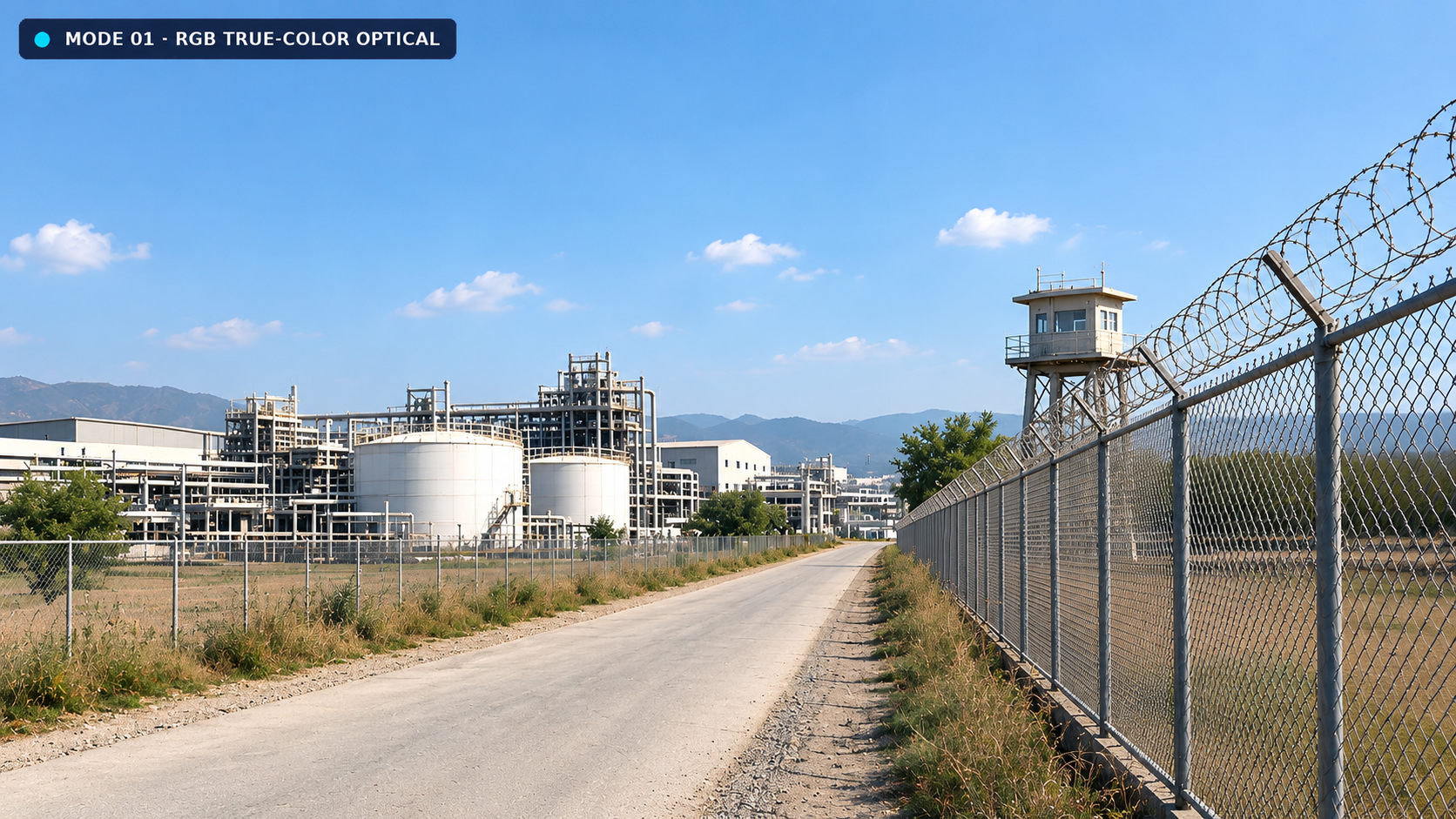
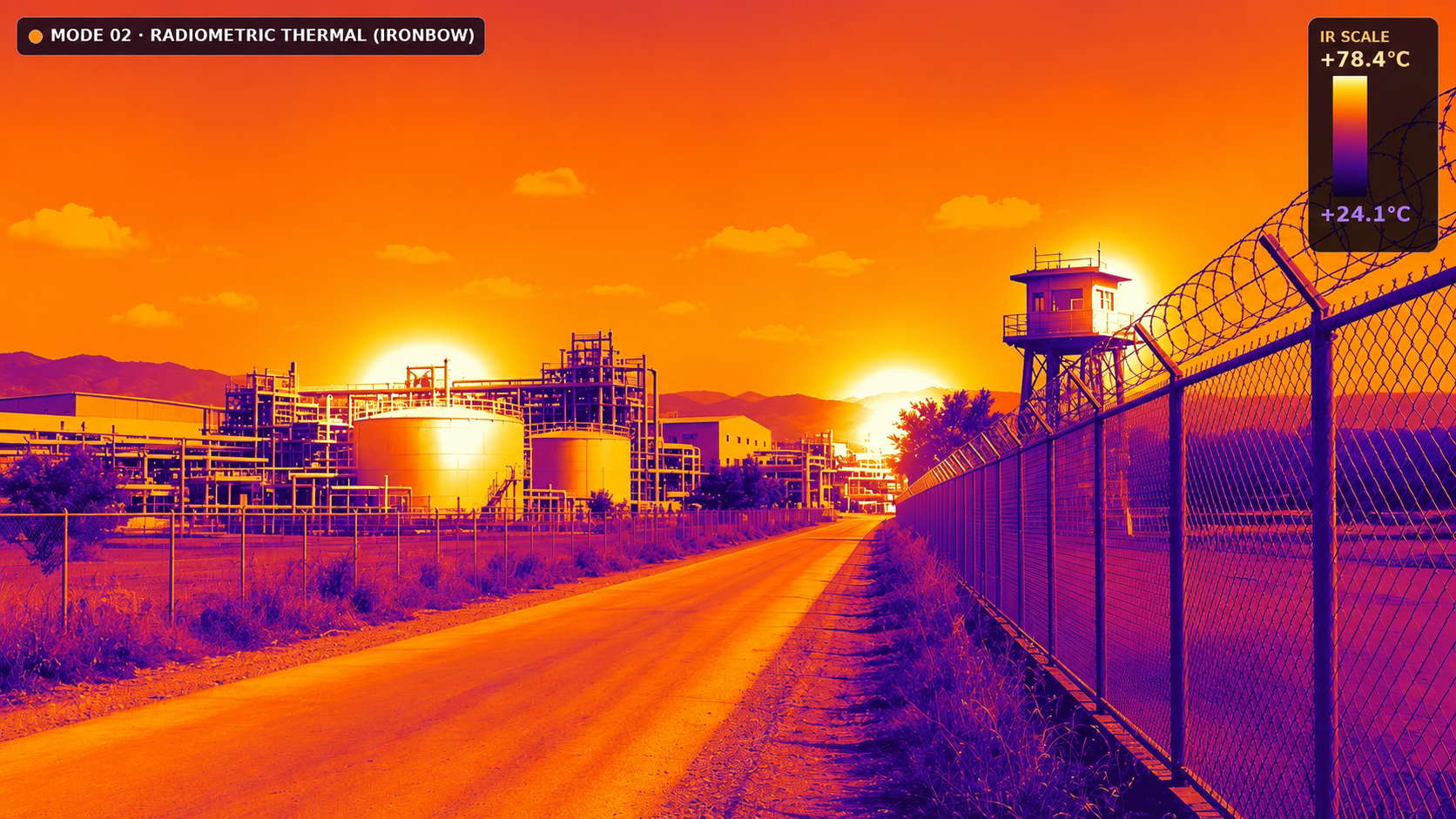
Switch to the thermal view on hover
Track B
Fixed cameras stay on gates, perimeters and work areas. The platform is meant to take those feeds, including cameras already on the site, and show them with the drone patrol instead of on a separate wall of screens.
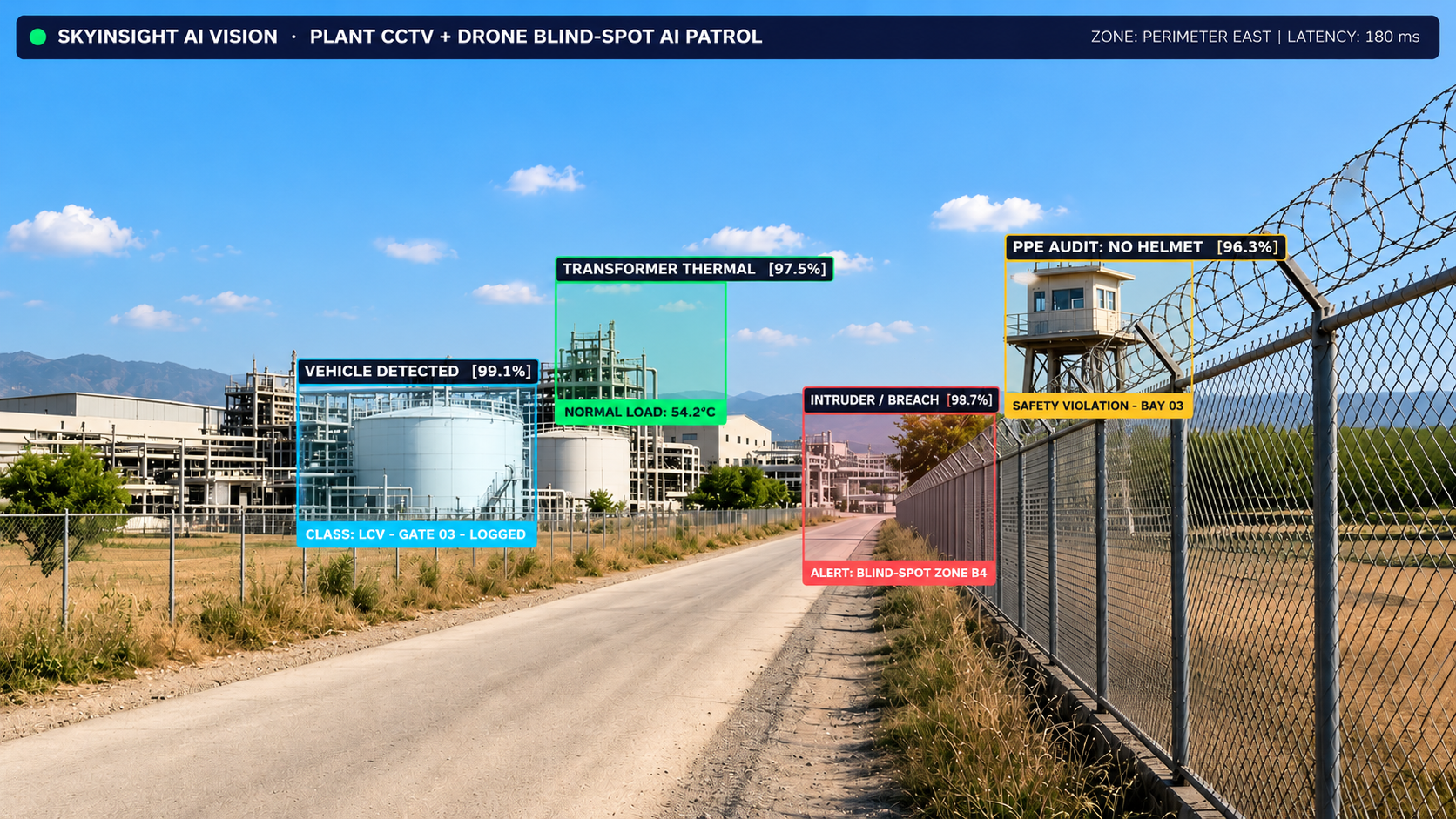
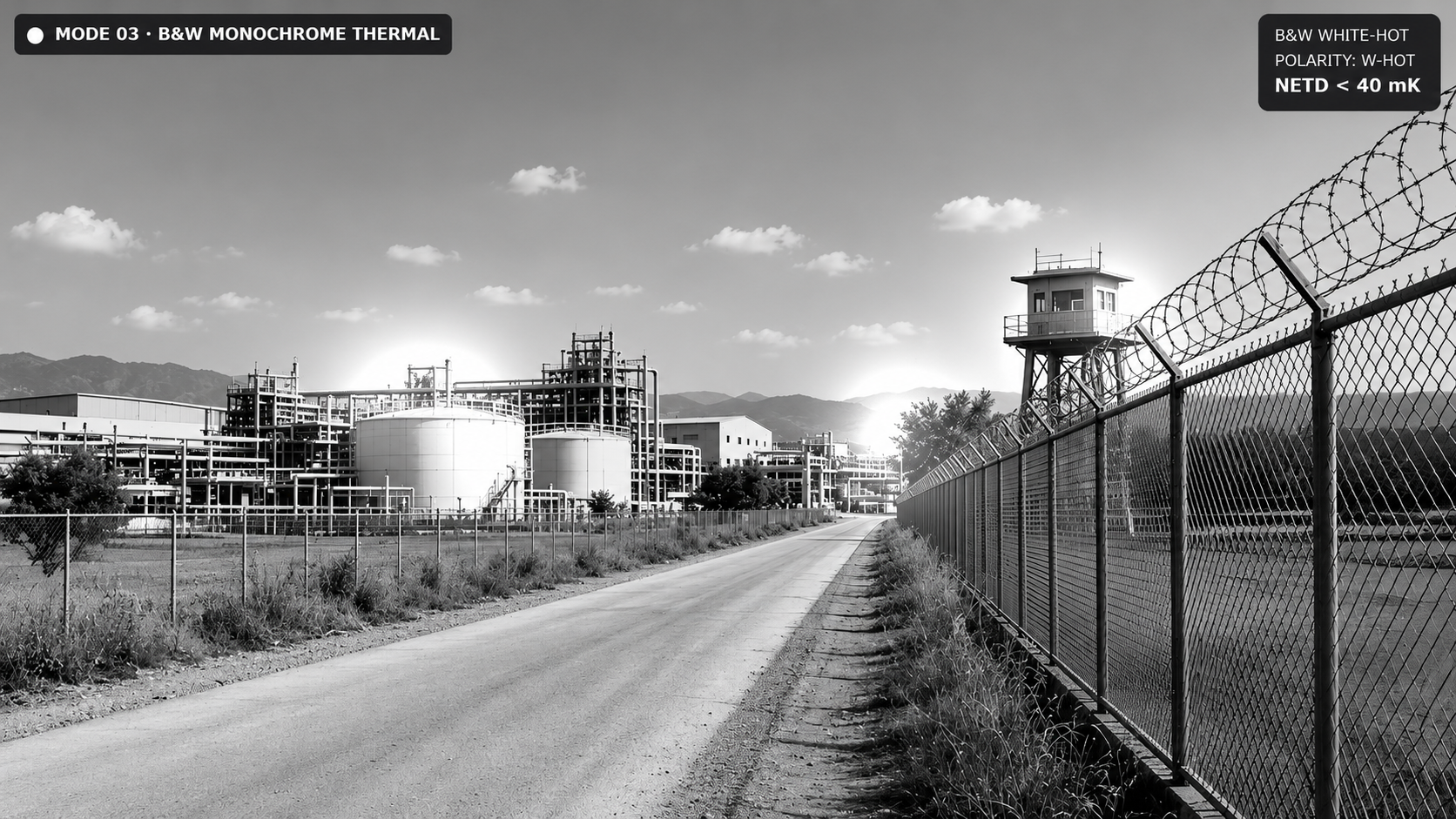
Explore the monochrome thermal view on hover
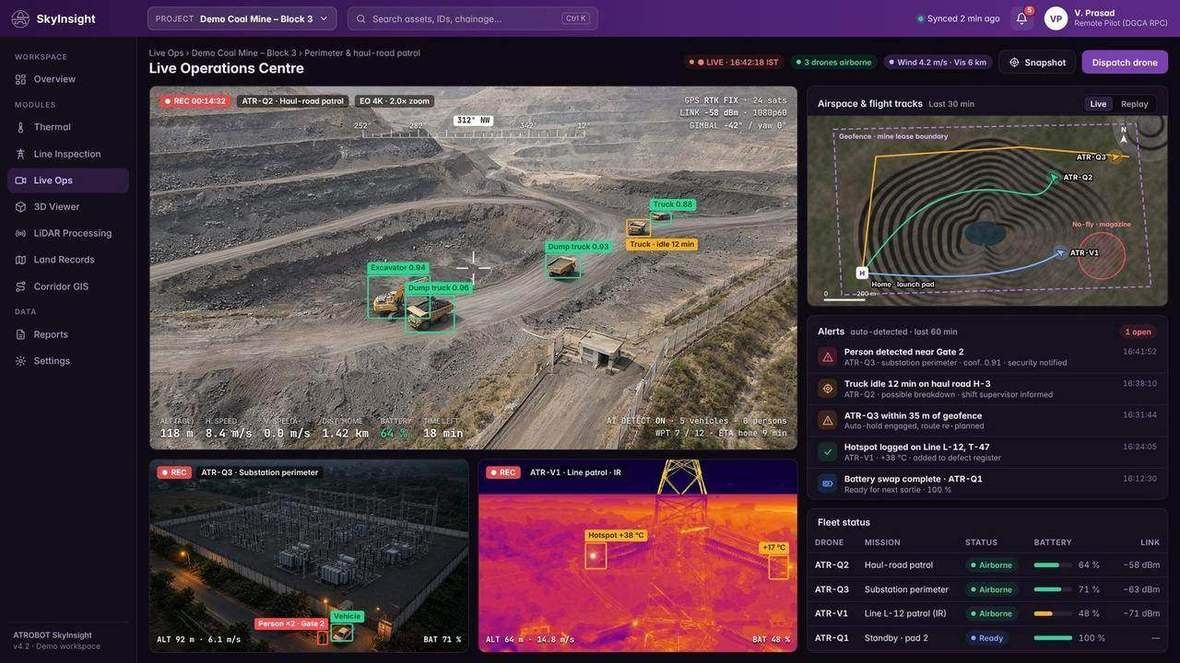
The live operations screen is part of this platform. It is a product view, not a record of a named site.
FAQ
No. This page describes monitoring software: drone patrols and fixed cameras. It does not list aircraft for sale.
CCTV, drone and industrial camera feeds, reviewed together in the monitoring view.
Next step
The enquiry goes to business@atrobot.in. You can also call +91-9319044881.